 OpenStreetMap

Training sessions 2 and 3 - Mapping with JOSM: multipolygon, relations and much more!
Posted by Raquel Dezidério Souto on 17 October 2025 in English. Last updated on 19 October 2025.Are you tired of mapping only highways and buildings?
Come with us and let’s map the World together 🌎
I am very happy to tell you about the initiative that was coordinated by me and promoted by my company, IVIDES DATA™. We organized three online meetings in September and October 2025, where I taught about mapping with the iD and the JOSM editors, from simple features, such as paths, to complex features, such as multipolygons, and also validation with JOSM, OSMCha, Osmosis and OSM Inspector.
With this initiative, we could note that people are not very familiar with editing something different of buildings and highways, which is part of countless campaigns promoted by other private companies and international NGOs operating in Brazil, where I live. To understand this movement in my country, you can read the chapter that I wrote in my last book.
I really hope these training sessions can help more people to understand the power behind the OpenStreetMap project… Yes! It is a 21 years old global project and not only a platform. Please, do not miniaturize the OSM, reducing it to its website.
And I would like to emphasize that this material is not only useful for teaching activities, but can be also a useful resource for you to apply to your projects and to inspire you to create more and better projects!
Training Session #1 - Mapping ways in OpenStreetMap with iD editor
At this session, I show how to map other type of ways, like waterways or sidewalks, with iD, the easiest editor for OSM. And some of the golden mapping rules for this kind of mapping and conceptual content to prepare you to the other two lessons.
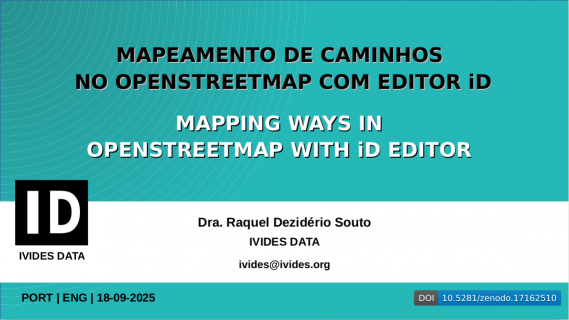
Training session #1 - Lesson - PT | EN
PDF Download
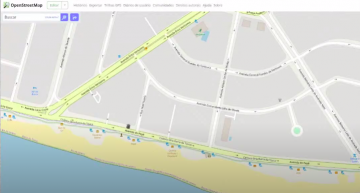 iD Screen | Map data © OpenStreetMap contributors.
Training session #1 - Video Record (Sept. 18, 2025)
Watch here
Training Session #2 - Mapping areas in OpenStreetMap with JOSM editor
At this session, I show how to map areas in OpenStreetMap using the JOSM editor. First, I show how to configure JOSM to use the remote control and how to install the plugins for the activities in training sessions #2 and #3. In addition, I show how to use the BuildingsTools and FastDraw plugins in order to improve the design of features.
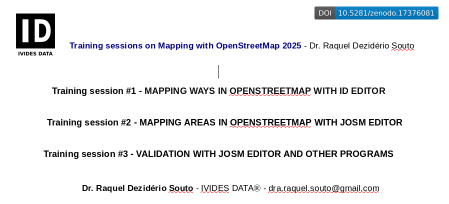
Training session #2 - Lesson - EN
PDF Download
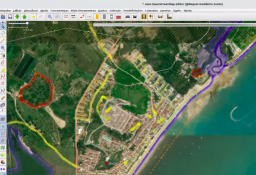 JOSM Screen | Map data © OpenStreetMap contributors.
Training session #2 - Video Record (Oct. 02, 2025)
Watch here
Training Session #3 - Validation with JOSM editor and other programs
At this session, I show how to perform basic validation with JOSM and some programs - OSMCha, Osmosis and OSM Inspector, in order to correct frequent errors, like overlaps and open polygons.
Training session #3 - Lesson - EN
PDF Download
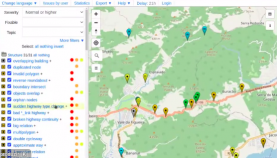 Osmosis Screen | Map data © OpenStreetMap contributors.
Training session #3 - Video Record (Oct. 15, 2025)
Watch here
IVIDES DATA™ and IVIDES.org™ are registered trademarks.
WE DO NOT ASK FOR DONATIONS
To keep contact: ivides [at] ivides.org | https://ivides.org/servicos

Discussion